Obby Grow with every step












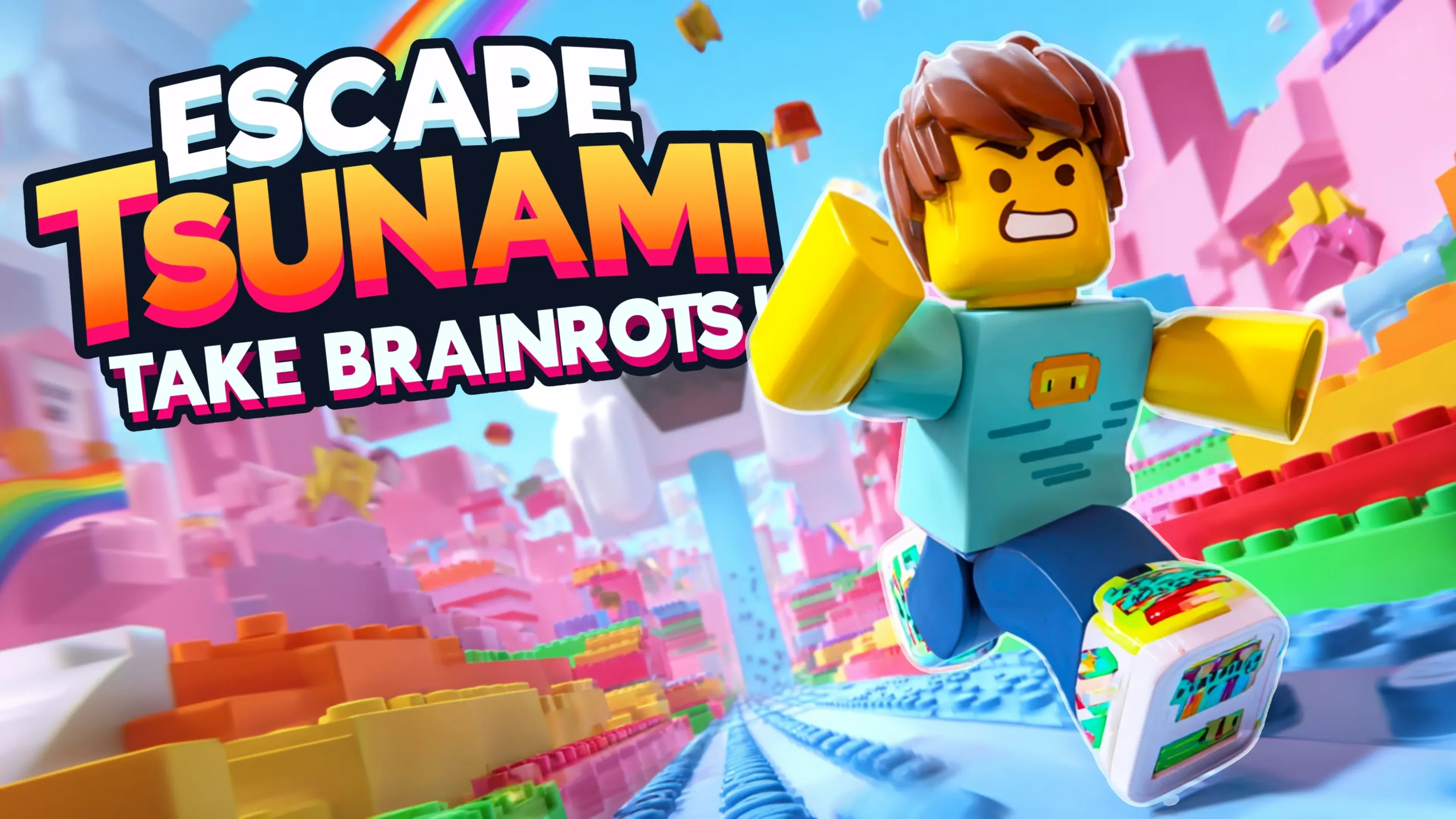
Obby Grow with every step
The twist in Obby Grow with every step is in the name
the more you run, the taller your character gets. Serbull's listing says growing taller lets you take on harder challenges, so the obby course and your size scale up together.
It plays like a classic Roblox obby. You jump over gaps, climb high platforms and avoid traps, and the listing promises parkour, puzzles and obstacles that get harder as you grow. When we loaded it on October 7, 2026, a Serbull splash screen led to a menu with a big green PLAY button and a crown counter reading 1.5K.
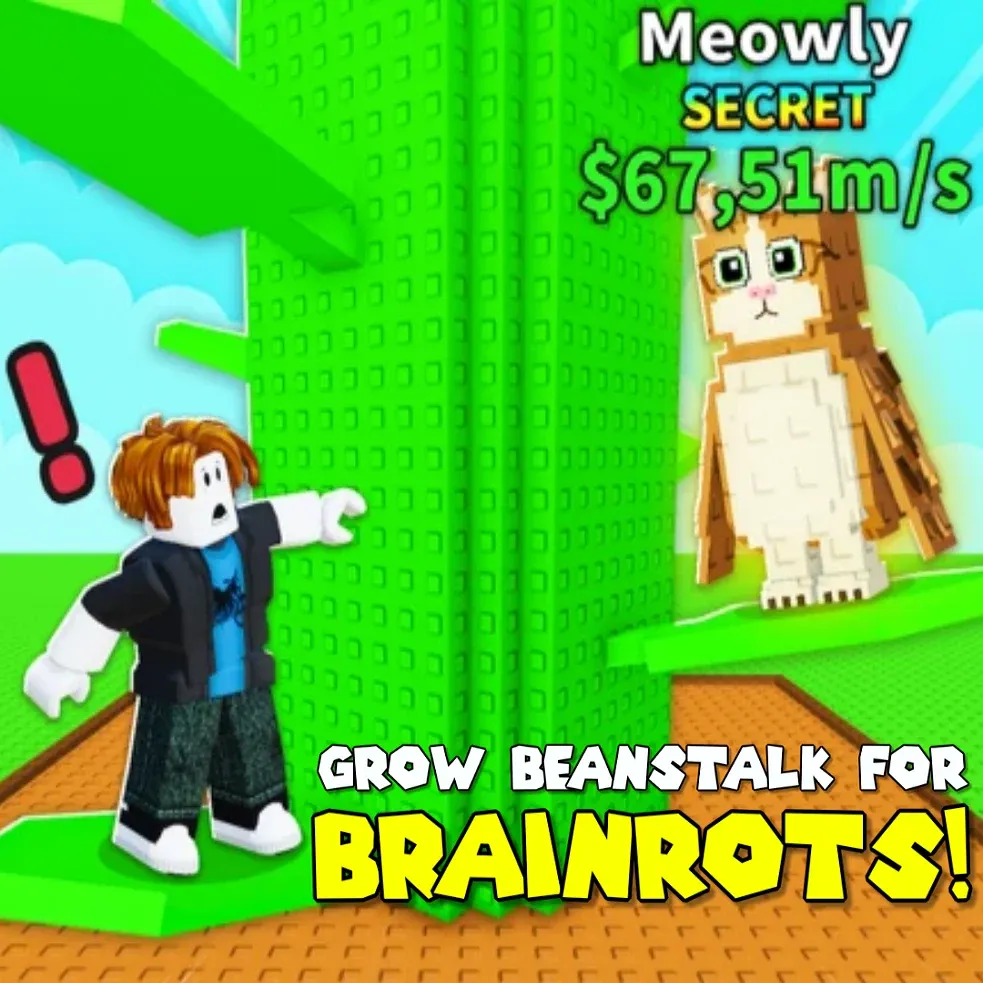
This page used to host Grow Beanstalk for Brainrots, a Yandex Games obby that our site can no longer embed. There's no brainrot cast in this one, but it keeps the grow-and-climb idea. For brainrot-themed obbies, see Swing Obby for Brainrots or Jump for Brainrot.
How to Play Obby Grow with every step
Press PLAY on the menu.
On PC, move with W A S D, look around with the mouse and jump with Space. On a phone, use the on-screen controls and drag anywhere on the screen to turn the camera.
Keep running. Your character grows with every step, which lets you clear bigger obstacles. Jump the gaps, climb the platforms and stay off the traps.
Comments (0)
Loading comments...